How add multiple subitems into a single email action?

I have a list called Employees and a sublist called Tasks.
The tasks are auto generated when parent item employee changes status to "Hired"
The tasks are then auto assigned to different employees.
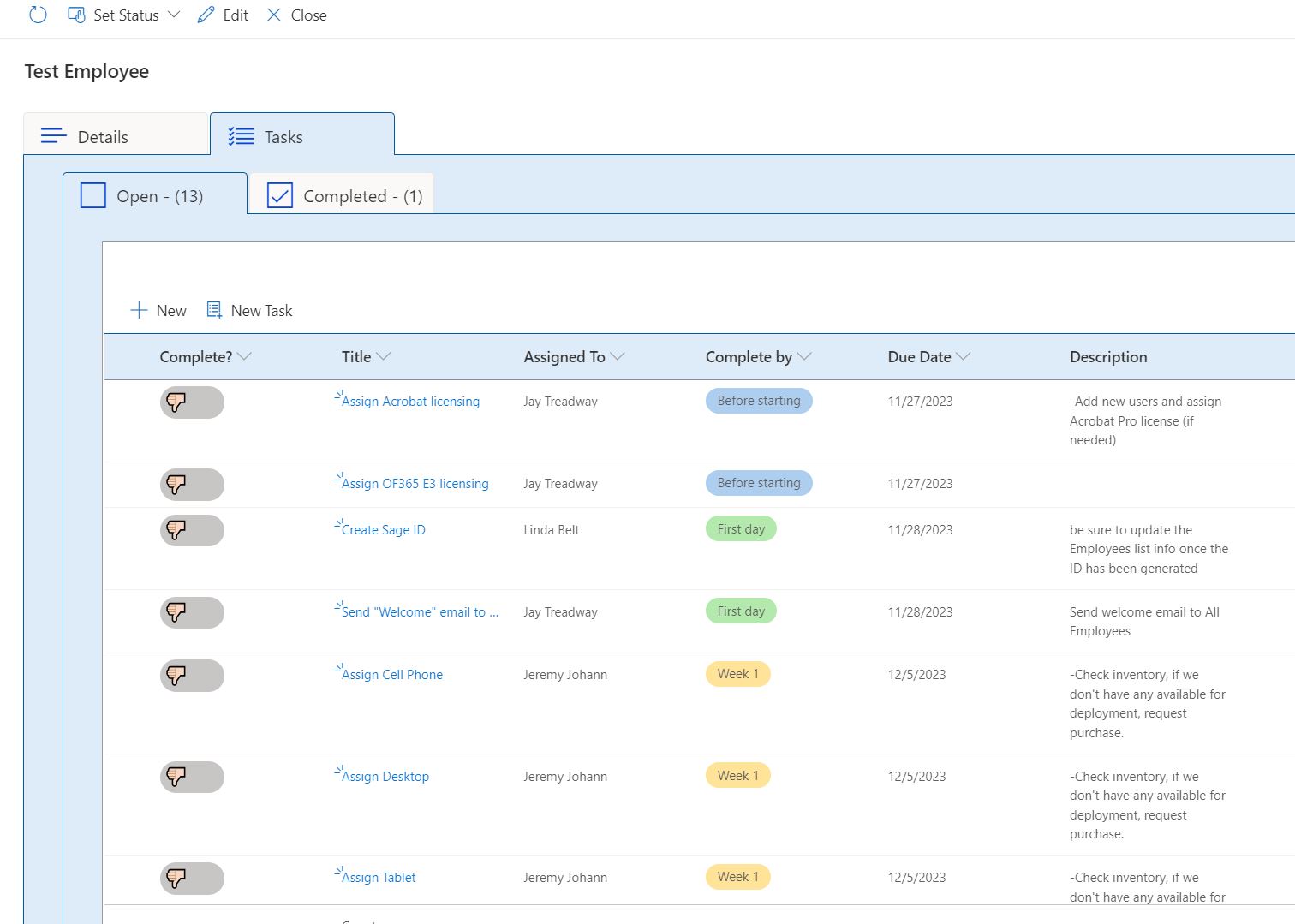
How can I create a Schedule Action that will send an email compiling all "incomplete" tasks assigned to that employee into one email?
I've been able to create multiple scheduled action that sends an email per task, but I would like to compile them all into one single email and notify them each day, dropping off the "completed" tasks as they go. My research shows that I may have to use a Get action and Looping action but I'm just not sure what I need here. Still learning.
Any help would be greatly appreciated. Thanks in advance.
-

Hi Jay
I would try to achieve that by creating first a Get items action to get all open tasks.
Then use the Assigned To values of these returned items, remove duplicate persons and store this new array of persons into a variable.
Next loop over this variable and create the following actions inside the loop per person:
Get items action on task list filtered by the current person
Send email action with the recipient of current loop (person) and HTML table output of the Get items action executed just before in the email bodyHope this helps!
Best regards,
Christof0
Please sign in to leave a comment.
Comments
1 comment