Solution Overview indicator for Modern/Classic
Answered
It would be nice if the solution overview indicated whether the solution itself uses modern and/or classic elements. We had to go through all of our solutions to see if they needed to be updated to reflect the changes due to planned changes and solution fixes. I have more shared solutions than own ones, so there are many to check - especially when there are older solutions, you might not know anymore if they are classic or not!
Additionally, an indicator if the solution requires an update and is not matching the current solution features release would also be nice.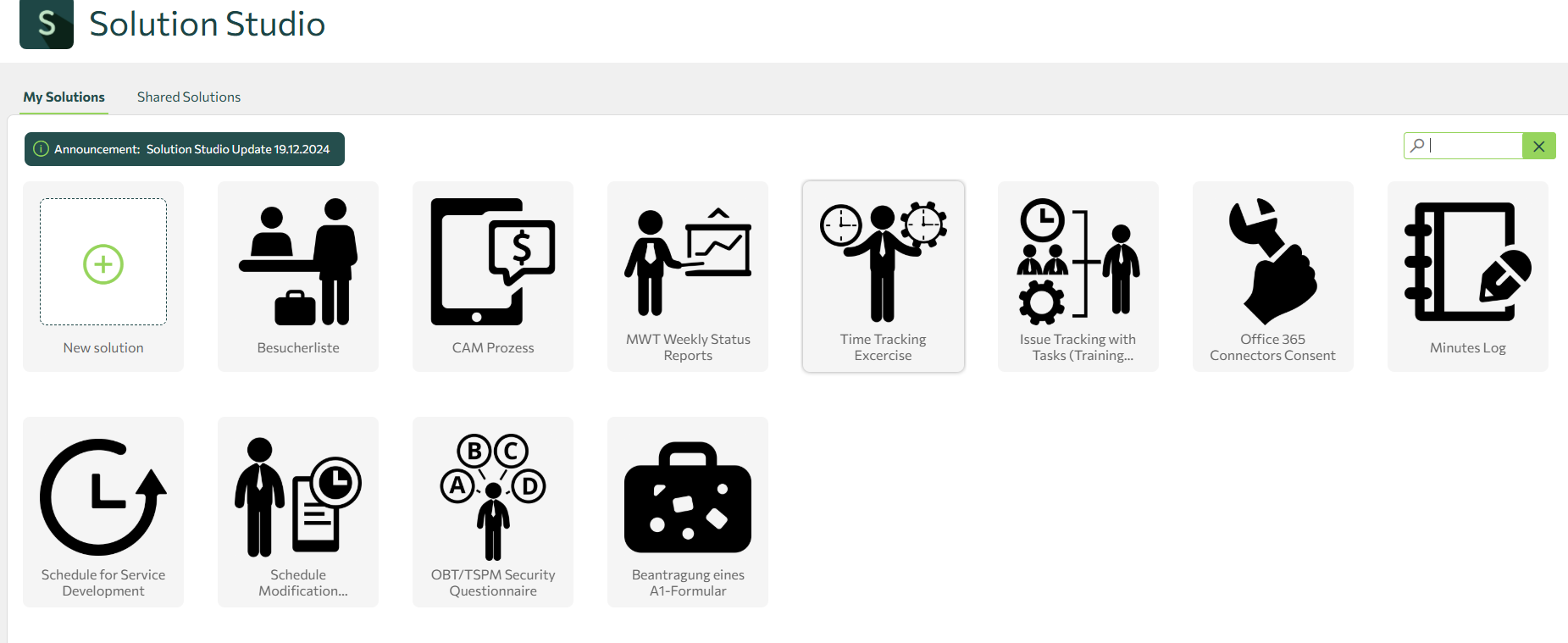
-

Hi Joerg_K.
unfortunately we don't have that information available on this dashboard.
But I would propose one of the following 2 ways:
- add this to your Solution Titles or Images
- Check out your SharePoint Admin Center where you can filter the Active Sites list by the Template "Team site (classic experience), then go to the site and open the developer tools of your browser (e.g. F12) and there in the console you can find a link to Solution Studio, from where it has been built.
(This might not work for solutions last updated before 05/09/2024 as we are adding the link to the console since then)
https://my.skybow.com/hc/en-us/articles/13911152069276-Solution-Studio-Update-09-05-2024

Best regards
Matthias
0 -
Thank you Matthias_Walter we will find a way that suits our needs.
0
Please sign in to leave a comment.
Comments
2 comments