Version: 2.8.0.0 issue: Field width

Original Post by chosom (Imported from Ardevia Forum)
I've updated Ardevia Rich forms in one of my site collections and all the width from my date fields messed up.
I made the dimensions with unlocked fields and now when I unlock I cannot separate the Calendar icon from the Text input.
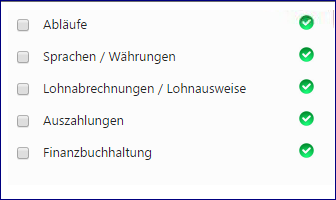
The problem wouldn't be that big if I could redesign the fields, but I can't...
-
Original Post by iryna (Imported from Ardevia Forum)
We cannot reproduce this issue.
Please provide more details: app version that was used and app version to which you've upgraded,
how exactly have you changed dimensions, how field looks now in design mode etc.0 -
Original Post by chosom (Imported from Ardevia Forum)
Hello,
Last app version was 2.7.1.0 and now its upgraded to 2.8.0.0
I have unlocked the date field and adjusted the width of each part (label & input). With the old version it looks normal, one horizontal group with two elements inside. With the new version the unlocked structure looks like horizontal group > Field Label + vertical group (input + description) and I cannot change any of the dimensions...
The problem got even worse after I made a new website collection, installed Rich Forms and started to import my rich forms backups. Every form has some messed up fields.
Old1
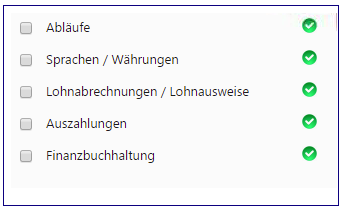
New1
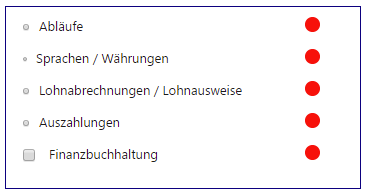
Old2
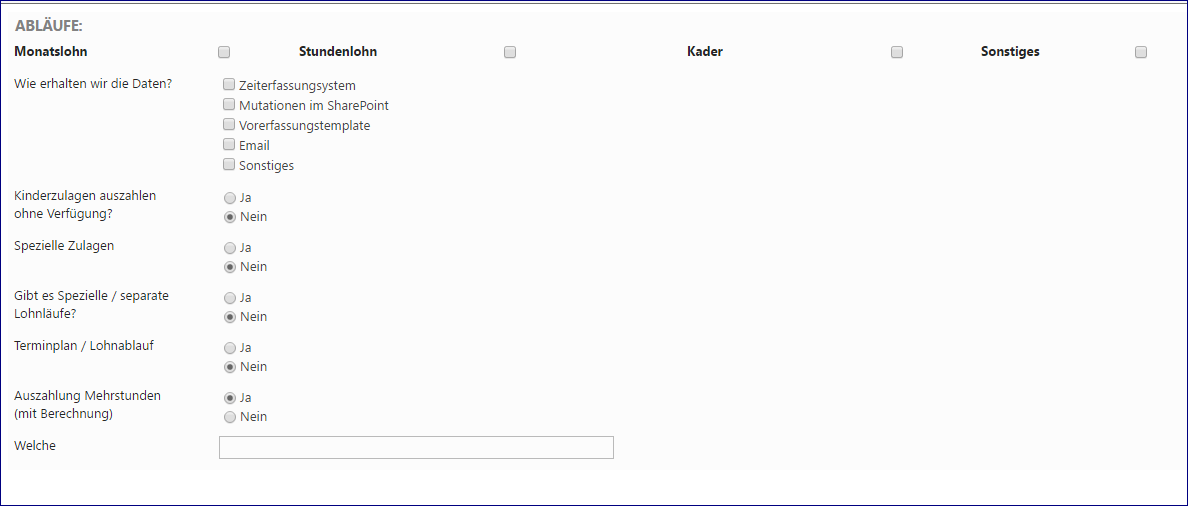
New2
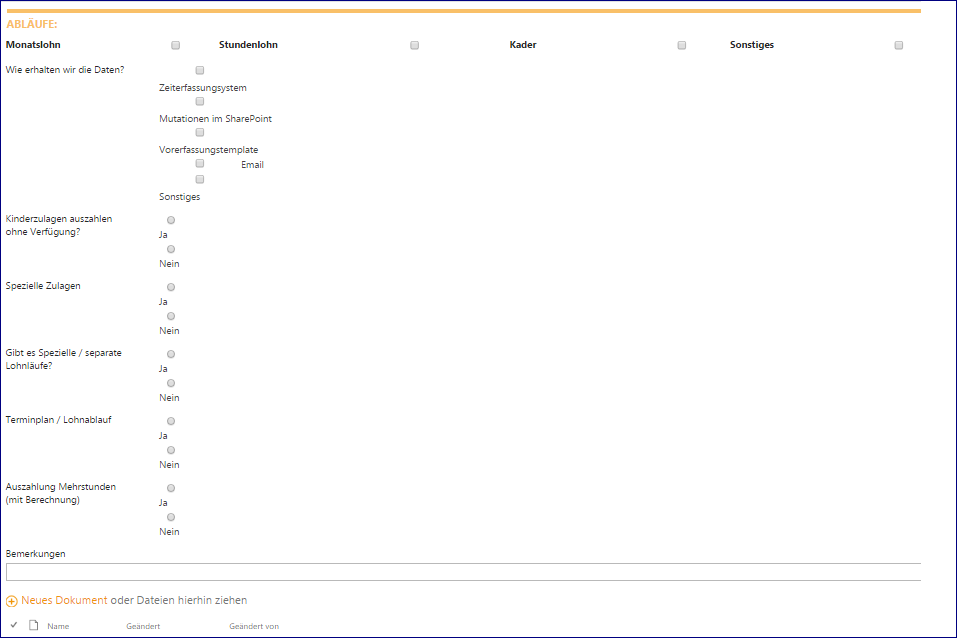
Old3
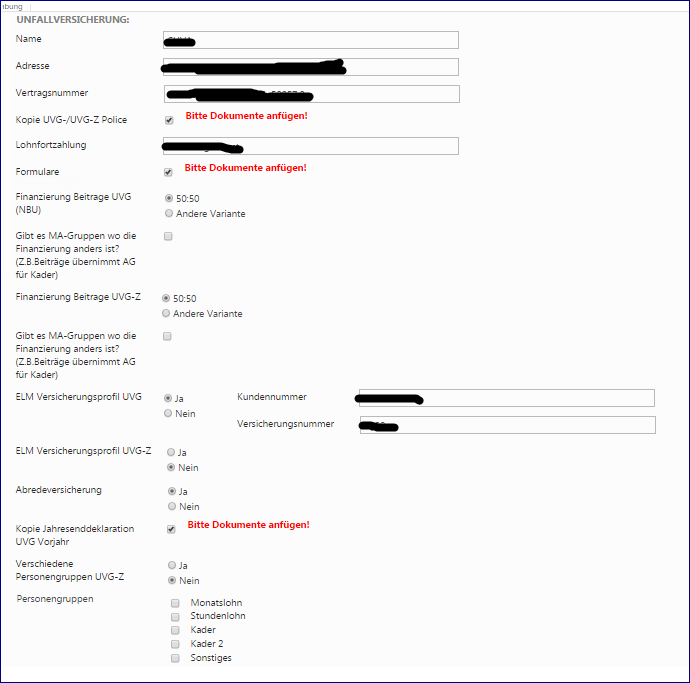
New3
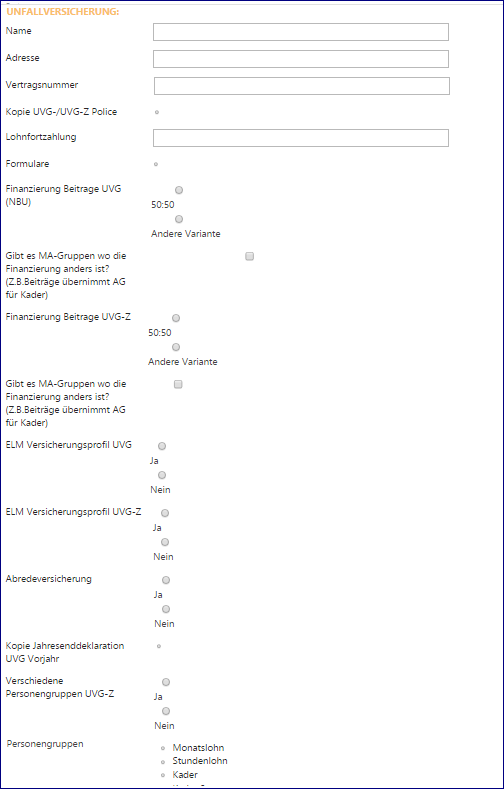 0
0 -
Original Post by chosom (Imported from Ardevia Forum)
I found out why this happened. There was a new line added in the "RichFormsCommon.css" file, that line messed up my forms, I just deleted it and now everything looks like before. If someone else has this problem just find this and delete (edit) it.
Code:
.ard-field-body.ms-rteKeepStyles input {
    width: 65%;
}
0 -
Original Post by Rille (Imported from Ardevia Forum)
Hi chosom.
I have the same problem, but I can't find the "RichFormsCommon.css" file. Where is it located?
Thanks.
0 -
Original Post by Liliia (Imported from Ardevia Forum)
Hi Rille,
You can find "RichFormsCommon.css" file in FormsStoreLibrary hidden library:

If it's not there, try to update to 2.8.0.0 version, delete Content folder and then visit the app home page.
0 -
Original Post by Rille (Imported from Ardevia Forum)
Thanks Liliia, worked perfectly fine.
0 -
Original Post by Liliia (Imported from Ardevia Forum)
You are always welcome, Rille!
Feel free to contact us if you need more assistance.0
Please sign in to leave a comment.
Comments
7 comments