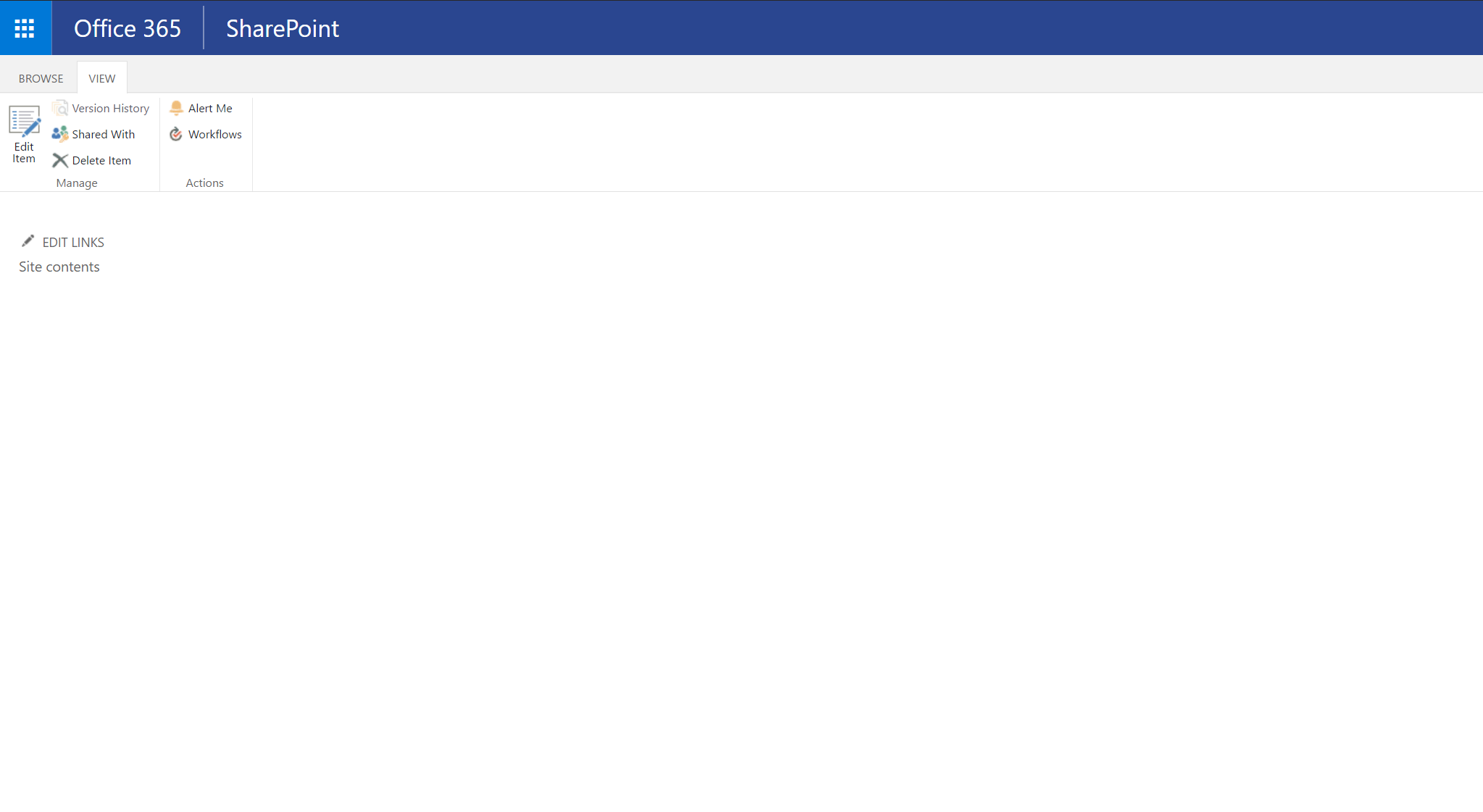
Empty page in view mode of the 'display form'

Dear support,
I have the following issue with Rich Forms in SharePoint online.
Viewing a list item (display form) shows an empty page. After clicking on ‘edit page’, the content will show up but in edit mode. After saving the form again, an empty page is displayed.
What I did:
- Created a custom list
- Added some columns
- Changed the ‘new display form’
- Tested the ‘new display form’ with success
- Tested default ‘display form’ with success
- Changed ‘display form’ with Rich Forms
- Tested new ‘display form’ without success
- Checked Skybow portal for solution / known issue
Viewing the source:
<style id="ardHideStyle"><span id="ms-rterangecursor-start"></span><span id="ms-rterangecursor-end"></span> .ard-formwebpart,#MSOZoneCell_WebPartWPQ2{display:none} </style>
Screenshots:
Display form in edit mode:

Display form in view mode:
Is there a solution for this issue?
Thanks in advance.
Best regards,
John Stelten
-

Good afternoon
Dear John Stelten,
Thank you for contact the skybow team.
Can you please inform what it's the version that you are using ?
On "Edit page" mode - Tab Rich Forms do you made - "Reset to Default" or "Uncustomize Form" ? If not, can you kindly try it on, please ?
Then make new ‘display form’ and test it, please?
Can you please make F12 (open Development Tool), then "Console" ? Do you see any error ? If so, can you please sent to us screenshots for we be able to help you.Thank you very much
Best Regards
Rosario Matos0 -
Hi Rosario,
I deleted the list and started fresh. No issues anymore.
Thanks in advance.
John
0
Please sign in to leave a comment.
Comments
2 comments