combine old and new data in calculated column

Hi everybody,
I'm new to skybow so sorry if I don't use the right technical terms.
I have a task list for time management. It contains the columns worked hours and total hours worked. Each day/week you put in how many hours you worked on a task, I then want the hours you just put in in worked hours to be added to total hours worked.
Example:
Monday, started working on the task. Worked 5h: You edit the task and put in 5h in Hours worked. Then total hours worked updates to 5h
Wednesday, worked 3,5h: put in 3,5h in Hours worked (in the form the Hours worked should be empty, not see the number hours that was put in on Monday). Total hours worked updates to 8,5h
Friday, worked 7 h: Put in 7h in Hours worked. Total hours worked updates to 15,5h
Any suggestions?
-

This is possible by adding worked hours in a separate list (that is related to tasks) and summarize the total hours worked of related worked hours on the task.
Just follow these steps:
- Create new custom list named Tracking
- Create a new number field WorkedHours on this list
- Create new lookup field TaskRef with pointing to exisiting tasks list
- Modify Task list's EditForm with Rich Forms
- Insert Sublist Tracking
- Add a new field TotalHoursWorked directly in Rich Forms
- Configure Calculated expression on the field TotalHoursWorked:
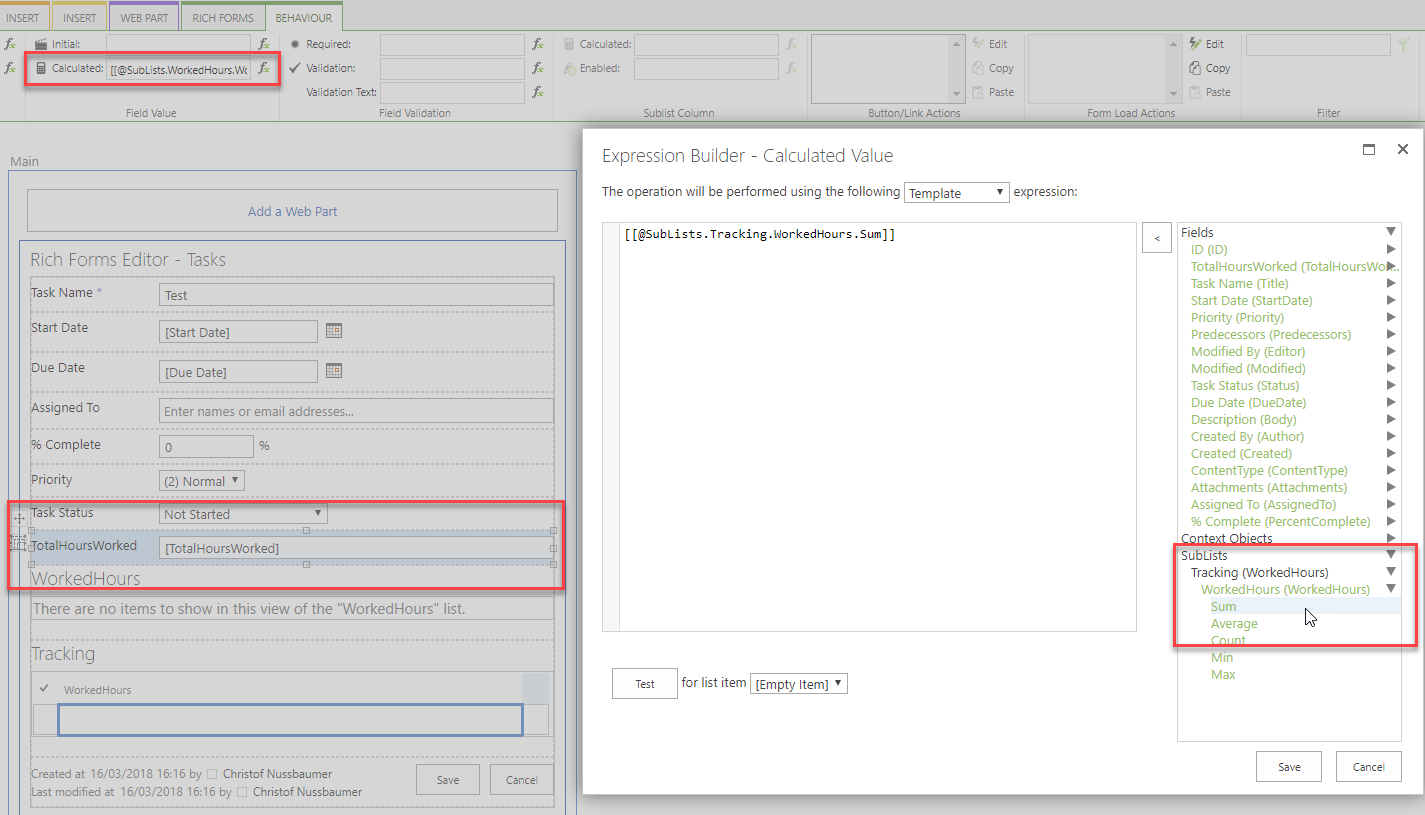
[[@SubLists.Tracking.WorkedHours.Sum]]I marked the Title field as non required and removed it from the sublist on the form.
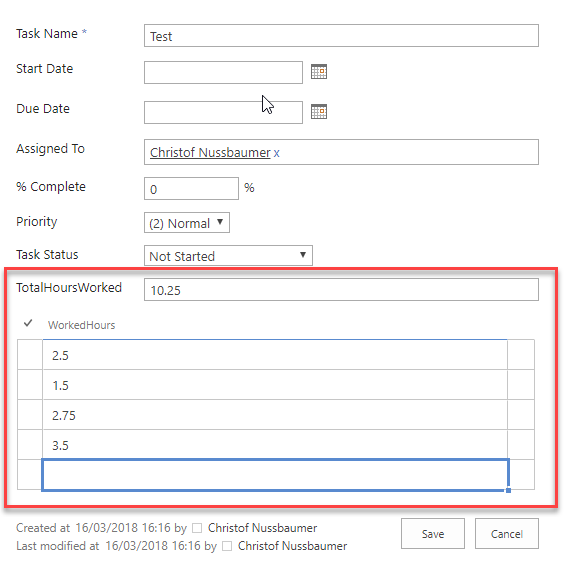
For sure you can add your own columns like weekday.This is the result:
 0
0 - Create new custom list named Tracking
-
Hi Christof Nussbaumer,
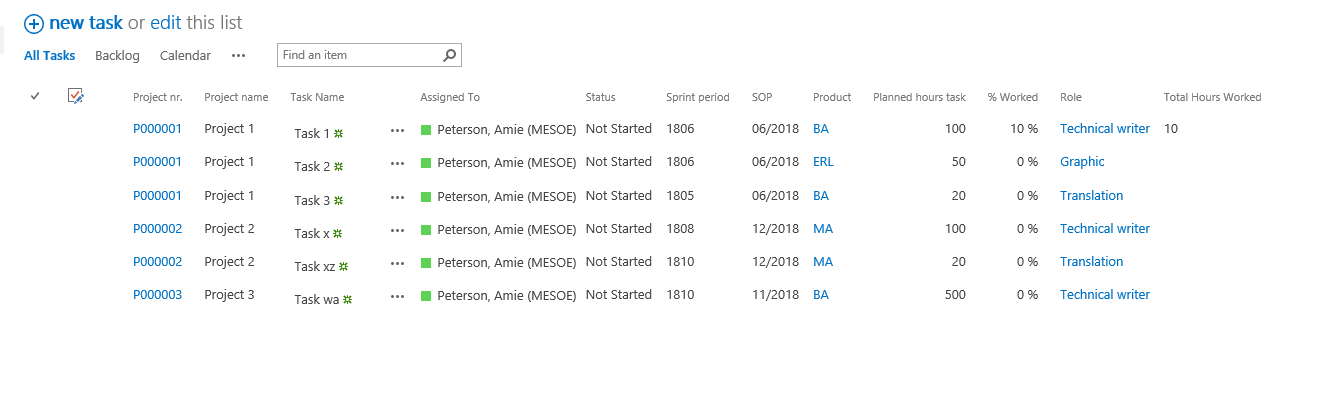
Thank you for your reply and the solution. The solution sort of work. For the first task I edit it works fine. But when I edit a second task it just says "working on it" and the TotalHoursWorked won't get populated. But I can save and the tracking list is updated.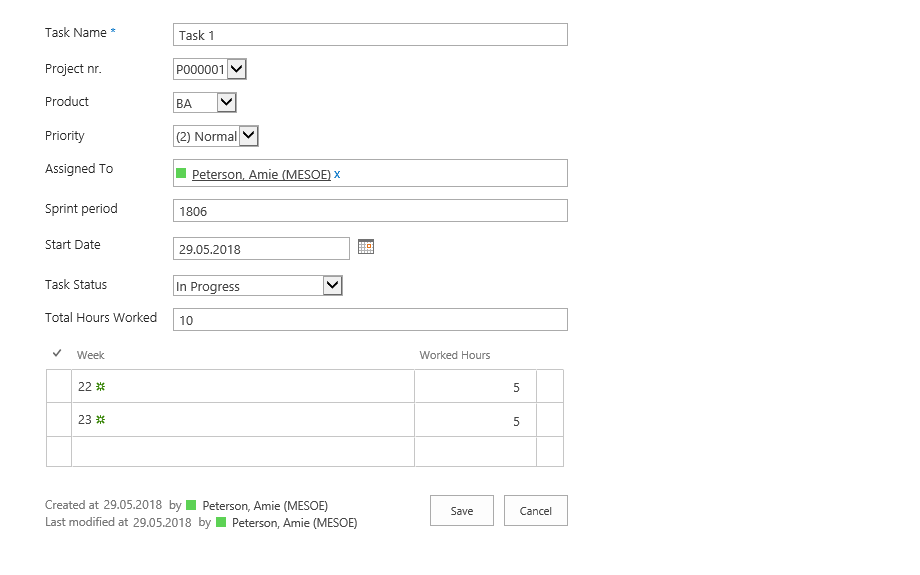
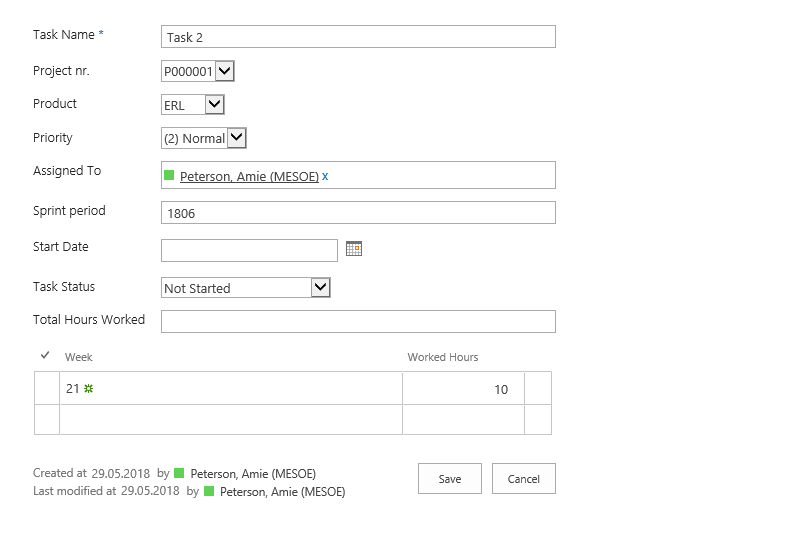
But after each time I go in and edit the form (without doing any changes just save it) I can edit the task and the TotalHoursWorked will be updated (but just the first task I edit). If I want to edit another task I get the same problem and have to go in and edit the form again. Some how it feels like it get stucked in the workflow. My task list have several lockup columns and calculated columns if that can have anything to do with it.
 0
0 -
Hi again,
Do you have any updates or clues of what the solution to my problem can be? I still have the same problem with only be able to update one task.
I have gotten so far that I found an error (using F12) when I want to add the sublist. But I don't know what the error means.
"Unable to get property 'owshiddenversion' of undefined or null reference"0 -
That sounds strange. Just to make clear: You create a task and all is working fine, but when you want create a second task it's stuck in "Working on it"? And after you resave the Rich Forms configuration it's working again for just one task?
To your questions/assumptions:
Lookups should not be the problem here.
SharePoint columns of type "Calculated" will be ignored by Rich Forms -> should not be the issue for this problem.
The "Unable to get property..." Error seems not to be very interpretable.
Please confirm if the behaviour is like I this. Afterwards it makes sense to arrange a session. Please send us your contact details in an email to support@skybow.com to show us the problem in a session.
0
Please sign in to leave a comment.
Comments
4 comments