Reset list modifications - Switch from Rich Forms to Modern Forms

Starting to edit the forms of a list, Solution Studio ask if I want to use Rich Forms or Modern Forms. I started with modern, today it shows classic. How can I reset a list and choose Modern Forms again?
0
-

To switch from Rich Forms to Modern Forms customization just do these two steps on your form:
- Perform Uncustomize Form on your Rich Forms customized form

This will reset your form back to oob SP form where you have again the two options of customization.
- Choose Customize by Modern Forms on form
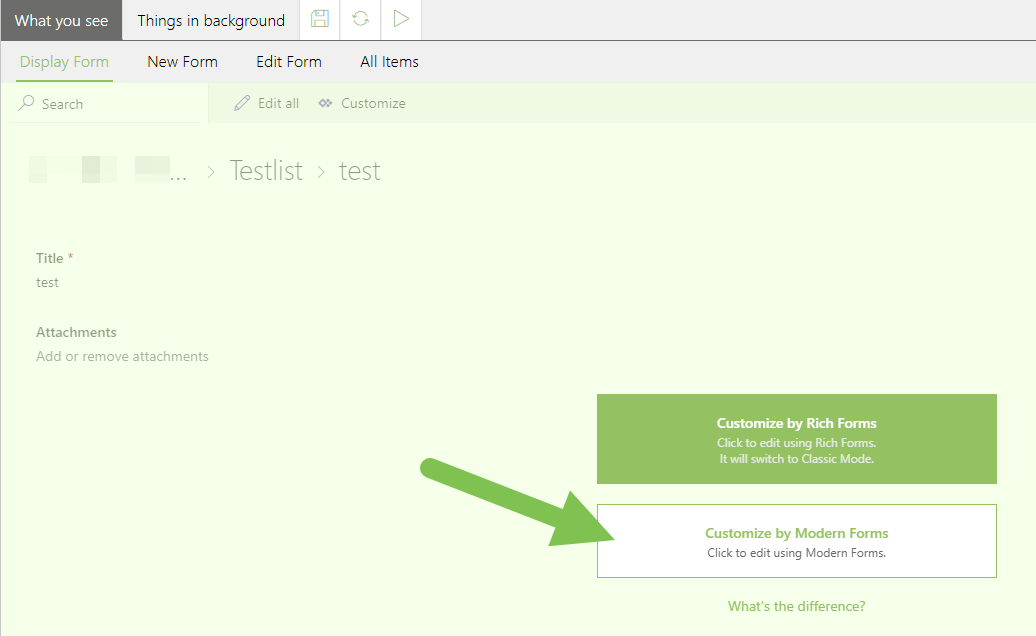
0 - Perform Uncustomize Form on your Rich Forms customized form
Please sign in to leave a comment.
Comments
1 comment